
Eye-catching videos are essential for social media success. Whether you are an influencer, content creator, marketer or small business owner, the right editing tool helps you turn raw clips into polished, scroll-stopping content — without a film-school budget.
Top 10 social video editing tools
1. InShot
A popular, simple mobile editor to trim, split and merge clips, add music, text, filters and speed effects, with presets for vertical, square and landscape formats.
Use it for: Quick edits on your phone
2. Edits (by Instagram)
Instagram’s free editing app with frame-accurate cuts, captions, effects, green screen and direct sharing to Reels — without watermarks.
Use it for: Instagram Reels
3. Canva
Drag-and-drop video editing with thousands of templates, animations, transitions, music and brand kits.
Use it for: Branded social videos and templates
4. Adobe Premiere (mobile and desktop)
Adobe’s Premiere mobile app for iPhone brings multi-track editing and captions to your phone; Premiere Pro on desktop is the professional choice.
Use it for: Creators who want professional control
5. DaVinci Resolve
A free professional editor combining editing, colour grading, Fairlight audio and visual effects — with AI voice isolation.
Use it for: Cinematic, high-quality videos
6. Clipchamp
Microsoft’s browser and Windows editor with a simple timeline, screen recording, stock media, auto-captions and aspect-ratio presets.
Use it for: Beginners on Windows and the web
7. OpenShot
A free, open-source desktop editor with unlimited tracks, keyframe animation and transitions.
Use it for: Free desktop editing
8. iMovie
Apple’s free editor for Mac, iPhone and iPad with themes, green screen effects and 4K support.
Use it for: Beginners on Apple devices
9. VEED
A browser-based editor with AI subtitles, audio cleanup, text overlays and screen recording.
Use it for: Captions and quick online edits
10. Prequel
A mobile app known for trendy filters, cinematic effects and aesthetic templates.
Use it for: Fashion, lifestyle and aesthetic content
Tips for pro-level social videos
- Hook viewers in the first 1–2 seconds.
- Shoot vertical (9:16) for Reels and Shorts, in good natural light.
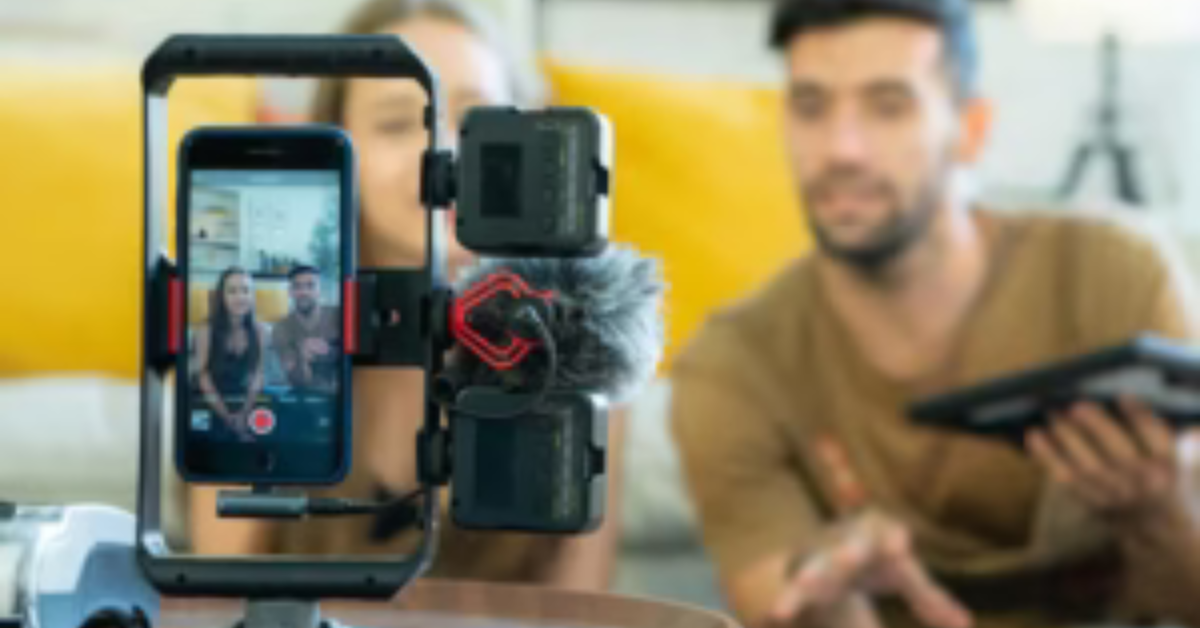
- Use clean audio — a simple clip-on microphone makes a big difference.
- Add captions; many people watch without sound.
- Keep cuts tight and match them to the music beat.
- Use consistent fonts, colours and a logo for branding.
- Export at high quality and keep text away from the edges where app buttons appear.
Frequently asked questions
What is the best free video editor for social media?
For phones, InShot, Edits and Canva are easy and free; on desktop, DaVinci Resolve is the most powerful free option.
Is CapCut available in India?
No. CapCut has been banned in India since 2020. Use Edits, InShot, VN, Canva or DaVinci Resolve instead.
Which editor is best for YouTube videos?
DaVinci Resolve or Premiere Pro for long-form videos; Canva, InShot or Edits for Shorts.